After Phishing Steals the Password — Stopping Credential Stuffing at the Web Layer
A phished password gets replayed against your login page months later. Here's what WAF rate limiting really stops, what it can't, and where MFA has to cover.
After Phishing Steals the Password — Stopping Credential Stuffing at the Web Layer
An employee clicks a link in a fake email and types their work email and password into a page that looks exactly like the company login screen. IT catches it within a few hours, resets that account's password, sends a warning to everyone, closes the ticket.
Three months later, the company's online store starts logging a few thousand failed logins a day.
That password didn't die when it got reset. It got passed around, sold, folded into a combo list, and replayed against every other site the same person was likely to use. That step is called credential stuffing, and it happens on your login page — not in your employee's inbox.
Why a stolen password comes back to your website
People reuse passwords. That's the single assumption the whole business model rests on — if a password leaked from site A also works on site B even a fraction of a percent of the time, firing a few hundred thousand pairs at a login form still pays.
The usual journey of one password after a phishing hit:
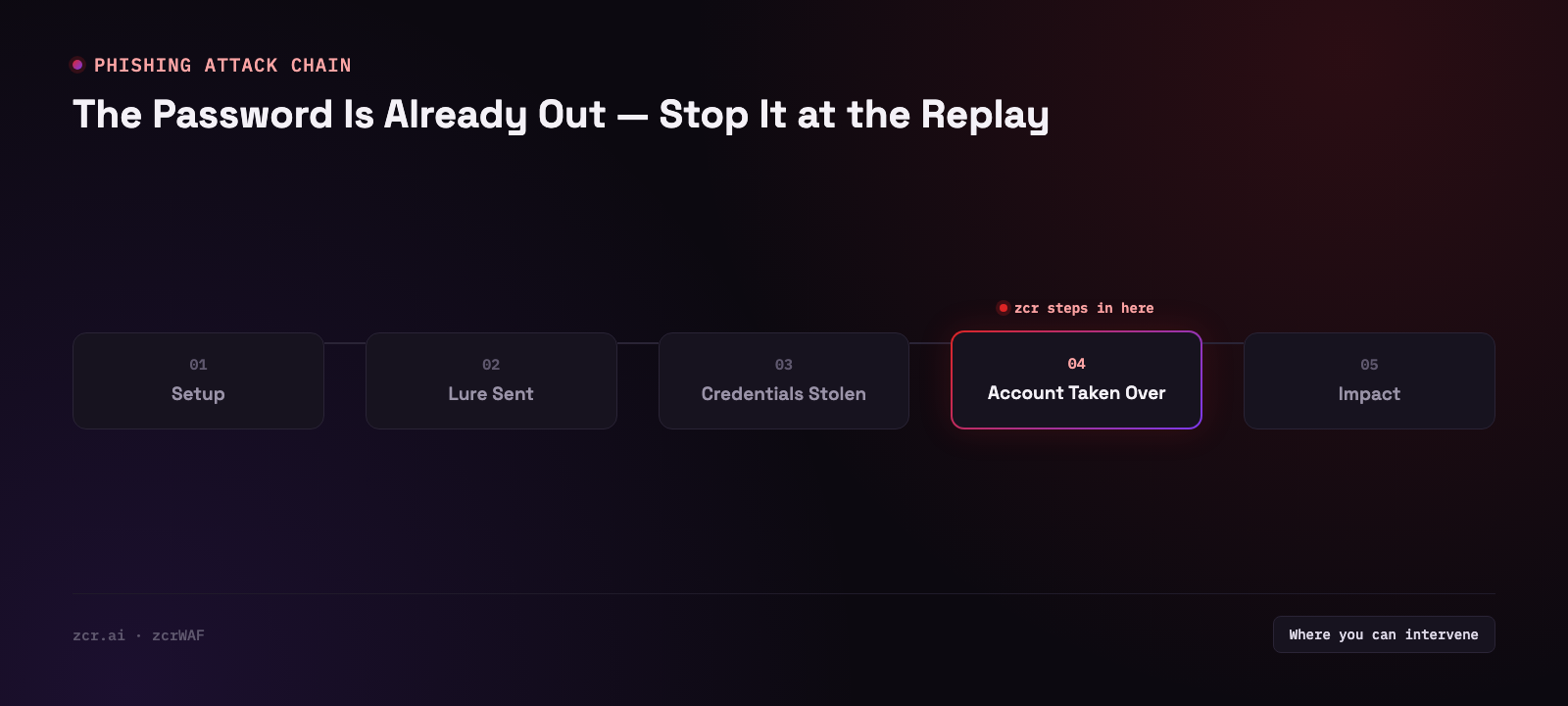
The part that matters: the gap between the leak and the replay can be months or years. Resetting a password during the incident only helps the accounts you control. Nobody is going around resetting the other sites where that employee used the same password. And it runs the other way too — your customers who got phished somewhere else are bringing already-leaked passwords to your login page right now.
If the question is whether your organization's data is already sitting in those marketplaces, that's dark web monitoring territory — a different checkpoint from this one. This article is about the stage after: it's already out there and coming back at you, so what happens at the web layer? The response steps for the moment you first learn someone got phished live in the phishing response playbook.
Credential stuffing doesn't look like "an attack"
Which is exactly why so many tools miss it.
A credential stuffing request is an HTTP POST to /login carrying a well-formed email address and a well-formed password. No SQL injection, no strange payload, nothing for a signature to catch. It is a perfectly valid login attempt. The password just happens to be wrong.
And anyone doing this for a living isn't hammering from one IP. They spread across a large proxy pool, go slow, rotate user-agents, stagger the timing — so each individual IP looks like an ordinary person fat-fingering their password twice.
Inspect requests one at a time and you'll find nothing. The anomaly only shows up in aggregate: a success-to-failure ratio that has drifted off its usual shape, a single IP presenting dozens of distinct email addresses, or 401s spiking on one endpoint while total site traffic sits flat. That's the layer a WAF can help with, because it sees every login request before the application does. (If WAFs are new to you, what a WAF actually does is the better starting point.)
What this looks like on a real screen
zcrWAF's Rate Limiting page — under Rules, alongside the Custom Rules, Alert Rules and IP Groups tabs — has two switches that bear directly on this, and both are toggled on in the demo.
Visit Limit. The on-screen description reads "Limit requests from a single IP within a time window to prevent high frequency access." The demo has Trigger Threshold at 1200 REQ and Block Duration at 300 SEC.
Read those labels carefully, because it's easy to misread them: 300 seconds is how long an offending IP stays blocked, not the window the 1,200 requests are counted over. The window is a separate value living behind Show Advanced Options, which the demo leaves collapsed. So from this screen you genuinely cannot tell what rate 1,200 requests works out to — and neither can anyone else reading it.
Attack Limit. "Limit attacks from a single IP within a time window to prevent repeat attacks." Set far tighter: 20 REQ, then a 900 SEC (15-minute) block.
Now hold both against the credential stuffing behavior above:
- Both count from a single IP, per their own descriptions — and that's the whole story. Even without knowing the window length, 1,200 requests from one address is a high bar for a login form to trip. Spread the same campaign across dozens of IPs and no single one comes close, whatever the window turns out to be.
- Attack Limit, again by its own description, counts things the system has already judged to be attacks. A login POST carrying a well-formed email and a well-formed password doesn't match an attack pattern to begin with, so it's unlikely to ever enter that count of 20.
Both switches are aimed squarely at what they were built for — high-frequency hammering from one address, and attacks already identified as such. A patient credential stuffing run is designed to satisfy neither condition.
The other thing this screen tells you: there's no endpoint field on it anywhere. These are site-level values covering the whole site, not /login specifically. If you want something stricter on the login page than on everything else, the tabs to look at next are Custom Rules and IP Groups sitting right beside it, paired with Alert Rules if you'd rather get a signal than a silent block.
Worth noticing too: there's a site picker in the header, so these settings are scoped per site. That's the right design, because a site with a customer login deserves tighter settings than a brochure site nobody logs into at all.
For the full picture of what rate limiting can do and how to tune it without locking out real users, that's bot and Layer 7 DDoS protection with a WAF — a separate article. This one stays on the narrow case of replay after a password has already leaked.
Honestly: what a WAF stops and what it doesn't
| Situation | How much the WAF helps |
|---|
| Rapid-fire password guessing from one IP | Visit Limit's territory — though whether it actually trips depends on the counting window hidden under Advanced Options. Attack Limit still wouldn't count these: they're well-formed login POSTs, fast or not |
| Slow, distributed attempts across many proxy IPs | A per-IP ceiling won't catch it; you need a rule scoped to the login endpoint. And the visibility comes from logs and reporting, not from this settings screen |
| A password that turns out to be correct | Not stopped. To the WAF it's a normal, successful login |
| Same account logging in successfully from two countries minutes apart | Outside WAF scope — you need log/SIEM or the identity system for that |
That last row is worth saying plainly: rate limiting does not make a stolen password stop working. It makes guessing slower, more IP-expensive, and noisier. That's all. The thing that actually closes the hole at the identity layer is MFA — which zcrWAF does not provide. That belongs to whatever authentication system you already run. Anyone selling you a WAF as a complete fix for credential stuffing is overselling.
The honest framing is two checkpoints working together: MFA removes most of the value of a correct password, and the WAF makes "keep trying until something works" expensive enough not to be worth it — while showing you it's happening, while they're still trying.
Signs this is about you
- Failed logins (401/403) spiking in waves while total site traffic doesn't move
- Successful logins from countries or hours your normal customer base wouldn't be active in
- A recent phishing incident where only the compromised account got reset, with no forced change on the other accounts that person used the same password on
- A customer login page with no MFA and no per-account limit on wrong attempts
- No answer to "how many failed login attempts did we get last month?" because nobody is watching that number
The last one shows up most often and is the easiest to fix — the data is already in the system. Nobody has told it to raise its hand.
Where zcrWAF fits
zcrWAF sits in front of the application, so it sees every request headed for the login page before the site does. The Rules section keeps four tabs in one place — Rate Limiting, Custom Rules, IP Groups and Alert Rules — which is the set to work through when you want a rule specific to your login page rather than relying on site-wide defaults alone.
What zcrWAF doesn't do is MFA and identity verification — that stays with your identity provider. If you're not sure which checkpoint your site should start with, take a look at zcrWAF plans.
Get in touch
Curious how many password-guessing attempts your login page is actually taking? Talk to our team — the consultation is free.
Sources
- OWASP — Credential Stuffing — defines credential stuffing exactly as described in this article: automated injection of leaked username/password pairs, relying on password reuse
- OWASP — Credential Stuffing Prevention Cheat Sheet — names MFA as a primary countermeasure, matching this article's conclusion that a WAF raises the cost of guessing while MFA is what actually closes the gap at the identity layer