Who Is Actually Phishing Your Organization — Reading Threat Intelligence Properly
A 40,000-row IOC feed isn't an answer. How to read threat intelligence tied to your real assets — and what an actionable weekly threat brief looks like.
Who Is Actually Phishing Your Organization — Reading Threat Intelligence Properly
Say an executive stops by your desk with one question: "Who's targeting us right now?"
If the best you can hand over is a CSV with tens of thousands of rows of IPs and file hashes, pulled from a feed somebody subscribed to in January and nobody has opened since — you don't have an answer. You have data.
The gap between those two things is something most security teams have already paid for and still aren't using.
The problem with IOC feeds isn't that they're wrong. It's that they aren't about you.
An IOC (Indicator of Compromise) is a trace the attacker left behind — a destination IP, the domain that sent the fake invoice, the hash of the attachment. The data is usually accurate. The problem is shelf life.
A phishing domain can be registered, used, and abandoned inside a single day. IPs rotate with hosting rented by the hour. A file hash changes the moment whoever built the malware hits build again. By the time an indicator travels from the feed into your SIEM, it may already be dead. That's the idea David Bianco called the Pyramid of Pain — the things an attacker can change most cheaply are the things that help a defender least.
But the shelf-life problem is the smaller one. Context is the bigger one.
A generic feed doesn't know whether you run Palo Alto or Fortinet. It doesn't know whether you've got Citrix published for remote staff. It doesn't even know what industry you're in. So it ships everything at the same priority and leaves the triage to whoever has twenty minutes a day to read it. The outcome is almost always identical: a good-looking dashboard nobody opens.
The useful answer to "who" is rarely a group name
Say "threat intelligence" and people picture a codename from the news. Those write-ups are genuinely fun to read. But push one step further — so what do we do tomorrow? — and the group name usually has nothing to offer.
What does have something to offer is the route in. Routes change far more slowly than group names, and they repeat to the point of boredom.
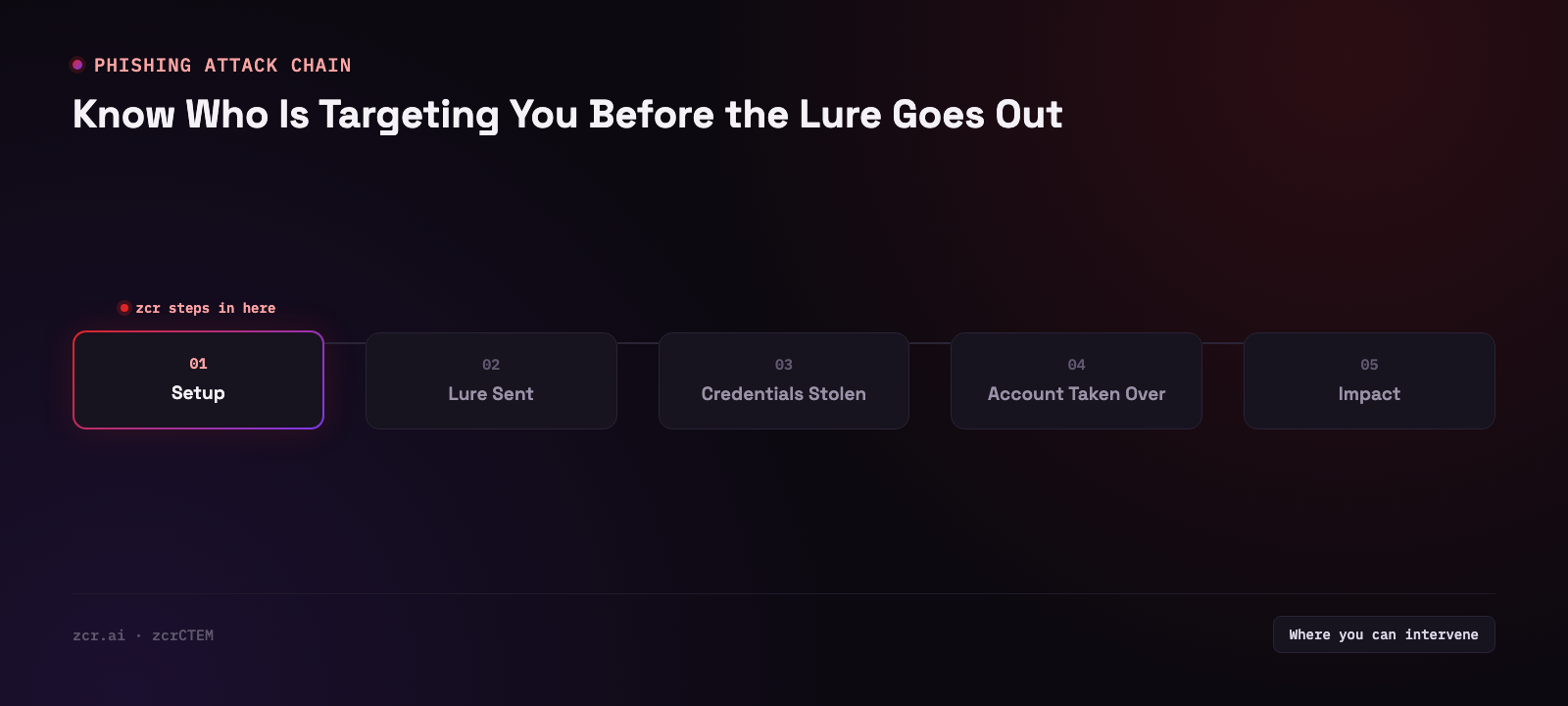
A phishing email is almost never the end of an attack. It's step one. The goal is one employee's password or session, and then to take that credential to a door that's already open to the internet — a VPN gateway, the IT team's remote-support tool, a contractor's remote access box. Those doors are where intel reading should start, not the group name.
If you want the shared vocabulary for describing routes in systematically, reading what MITRE ATT&CK is alongside this will make the picture click a lot faster.
What a threat brief you can actually work from looks like
The screen below comes from the AI Threat Brief section of zcrCTEM, captured in a demo environment. Worth walking through piece by piece, because the structure is exactly what a raw IOC feed doesn't have.
Each week's header carries a severity badge and two running counters — known-exploited (KEV) vulnerabilities affecting your environment, and how many are new since the last brief — so three seconds of reading tells you how urgent the week is before you read a single line of detail. Below that, the brief expands the highest-priority threats in detail. (This is a demo environment, so treat the layout as a description of what the brief tracks, not a specific week's figures.)
First comes a single sentence summarizing the whole week, saying how many actively exploited KEV vulnerabilities in your environment need immediate patching. Every block carries a Thai line under the English, and the top-right corner has an EN/TH toggle and a Refresh button. Small thing, real difference when you have to forward this to a team that doesn't read English all day.
Then TOP THREATS THIS WEEK — three items, each with its own urgency label:
| Label | Item | What the brief says |
|---|
| IMMEDIATE | PAN-OS Command Injection (CVE-2024-3400) | A critical zero-day in Palo Alto PAN-OS GlobalProtect gateway allowing unauthenticated remote code execution. Actively exploited in the wild and on the CISA KEV list; patch every affected perimeter firewall now. |
| IMMEDIATE | ConnectWise ScreenConnect Auth Bypass (CVE-2024-1709) | Authentication bypass giving full system compromise without credentials. KEV-listed with exploit code widely available. The brief says patch or isolate affected remote access servers this week. |
| THIS WEEK | Citrix Bleed Session Token Leak (CVE-2023-4966) | Citrix NetScaler ADC and Gateway leak enough information to extract session tokens — which lets an attacker bypass multi-factor authentication and hijack an already-authenticated session. The brief says monitor every Citrix appliance and enforce session rotation as an interim measure. |
It closes with the analyst line: "Prioritize KEV-listed CVEs with available patches; use network segmentation to isolate unpatched systems until maintenance windows allow full remediation." In plain terms: do the ones with patches first, and fence off the ones you can't touch yet.
Why all three of these are phishing stories
Notice that none of the three mentions email at all. And yet all three are where phishing ends up.
The first two are systems that accept connections from outside — a VPN gateway and a remote access tool. That's exactly where a stolen credential gets used. The third is the more interesting one, because the brief states plainly that it lets an attacker bypass multi-factor authentication — which is precisely what a modern phishing page is built to achieve. It doesn't steal the password anymore; it steals the session that already cleared MFA.
Different road. Same destination.
Framed that way, "who's attacking us" turns into a question you can answer today: which of our doors are open, and which ones is someone actually working on this week? That's the same question continuous exposure management (CTEM) exists to answer, and the reason this brief lives on the same platform as the external attack surface discovery work.
Raw IOC feed vs. intel tied to real assets
| Question | Raw IOC feed | Asset-aware threat brief |
|---|
| Does this apply to us? | Unknown — you filter it yourself | Already stated: "in your environment" |
| What do we do first? | No ordering | Labeled IMMEDIATE / THIS WEEK |
| How fast does it go stale? | Fast, especially IPs and hashes | Anchored to CVEs, which last far longer |
| Can I forward this to an exec? | Needs rewriting every time | One-line summary, ready as-is |
If you want to compare what each package covers, the details are on the plans page.
What this screen does not do for you
It'd be a bad comparison if it only showed the good side. The AI Threat Brief above has clear boundaries:
- It doesn't name threat actors. All three items in the brief are identified by CVE number; not one of them names a group. It prioritizes by which vulnerabilities are actually being exploited — it doesn't do attribution. If your organization needs a report that names the group, this isn't that tool.
- It doesn't filter email. zcrCTEM is not a mail security gateway; it doesn't block phishing before the inbox. It covers the other half: if something does get through, where can they walk next.
- It's a weekly cadence. The header says Week of for a reason — this is the rhythm for planning patch work. Second-by-second monitoring is a SIEM's job. Different tool, different clock.
- It needs an asset inventory that reflects reality. The phrase "in your environment" is only worth something if the asset list is right. If there are still servers nobody remembers owning, the brief won't see them either.
That last one is the most common by a distance, and it's why visibility work should come before intel purchasing.
Signs this applies to your organization
- You can't say off the top of your head what of yours is currently exposed to the internet
- You're paying for a feed or an intel report that nobody opens more than once a month
- When a big vulnerability makes the news, it takes days to answer "do we have that?"
- Contractors reach in through remote access tools and nobody knows which version they're running
- Employees have reported phishing emails, but there's no written procedure for what happens next
Two or more of those, and the highest-value starting point is knowing what you have, then laying intel on top of it. Buying another feed right now won't move anything.
On that last point — what happens after an employee clicks Report — that can be written as a playbook and run automatically; there's a worked example in the SOAR phishing response playbook. And if the question is where your employees' passwords have already leaked to, that's a separate job from this brief, covered under dark web monitoring.
The short version, for anyone who scrolled
There's exactly one test for whether threat intelligence is useful: how many things you can actually go do after reading it.
The sample brief above gives three — patch PAN-OS, patch or isolate ScreenConnect, enforce session rotation on Citrix. Nothing to guess at, nothing to sift out of a CSV tens of thousands of rows long.
That's the bar worth holding every feed you're currently paying for against.
Get in touch
Want to know which of your organization's doors are open right now, and which ones are actually being worked on this week? Talk to our team — the consultation is free.
Sources