How Agentic Automation Works in SOAR — Action, Approval, and Human Task on One Canvas
How does agentic automation work in SOAR? Real Trigger, Action, Approval, and Human Task nodes from the zcrSOAR demo, and the human-on-the-loop principle.
How Agentic Automation Works in SOAR — Action, Approval, and Human Task on One Canvas
Most automation people are familiar with is a straight-line script — it runs start to finish in sequence, with no pause points. The problem is that if a workflow includes a step with real blast radius (deleting data, disabling an account, isolating a host), letting it run in a straight line unattended is too risky. Agentic automation in SOAR solves this by designing the workflow as a graph — with nodes that run automatically on their own, and nodes that stop and wait for human approval first.
This piece walks through the real structure of zcrSOAR's playbook builder to show what it's actually made of.
The node types on a playbook canvas
zcrSOAR's playbook builder has a node palette split into five clear categories:
TRIGGER (starting point)
- Manual — starts the playbook on demand, suited for steps where a human should decide when to kick things off
FLOW (routing control)
- Condition — branches down different paths based on logic, e.g. one path for critical severity, another for everything else
- Subplaybook — calls another playbook to run nested inside, sharing results between them
ACTION (runs automatically)
- Action — a step the system executes on its own, like enriching IOC data or pulling additional logs
- Command — sends a specific command to a connected system
HUMAN (where a person is required)
- Approval — pauses and waits for sign-off from someone with the right authority before moving to the next step, especially for steps with real production impact
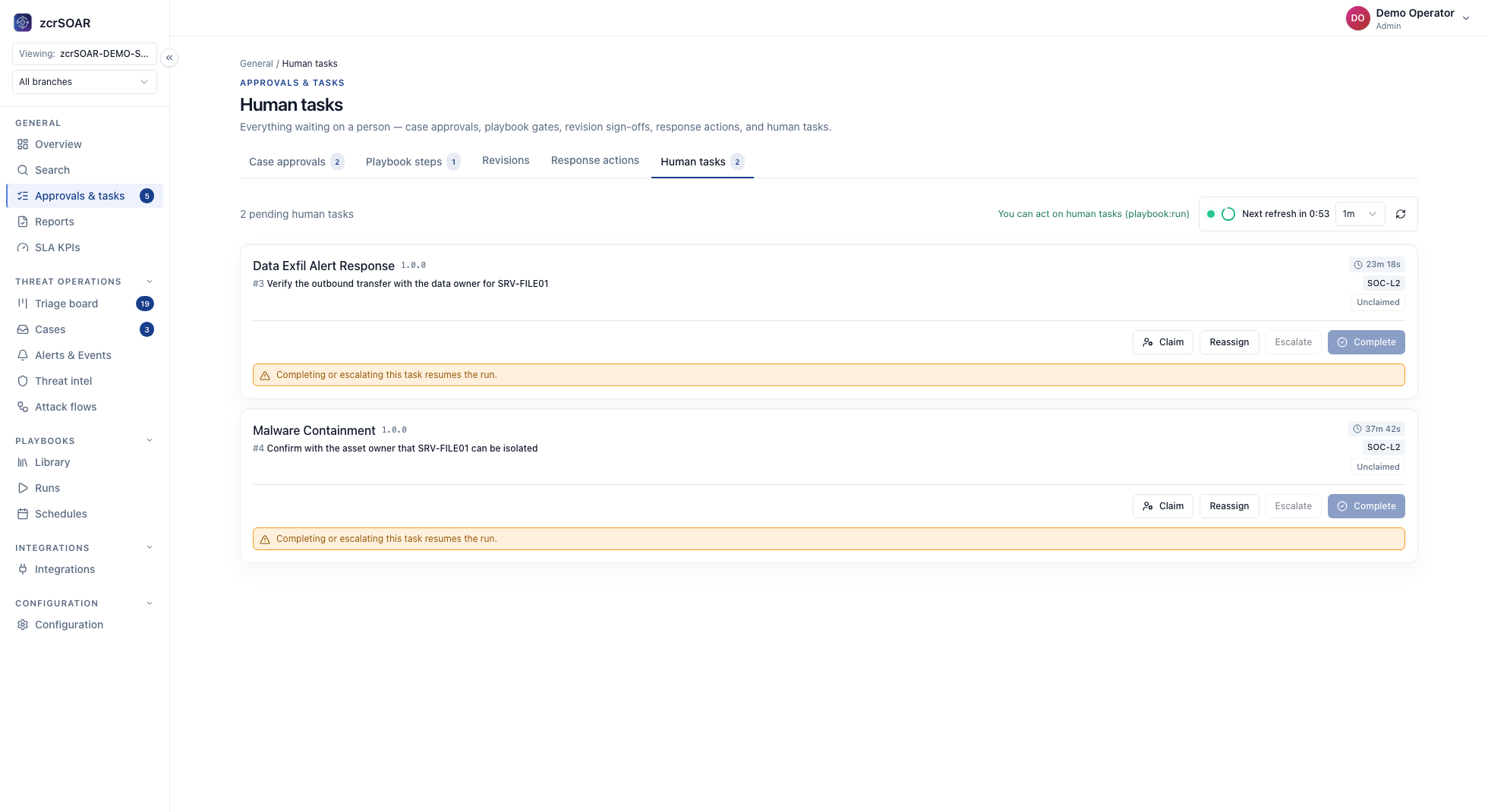
- Human Task — hands off a step that requires human judgment, then resumes automated execution afterward
CONTROL (execution control)
- Parallel — runs multiple steps at once instead of waiting for each in sequence
- Loop — repeats the same step across multiple items, like checking several IOCs with the same logic
This is what "human-on-the-loop" actually looks like
The most important part is having HUMAN-category nodes (Approval, Human Task) sitting in the same graph as ACTION-category nodes — this is the architecture that makes automation genuinely "agentic" without taking on too much risk: the system can plan and keep running on its own (through Action, Command, Condition, Loop), but when it reaches a step with real impact, the graph always pauses for a human first.
Put another way: analysts don't have to do every step themselves (this isn't the old human-in-the-loop model where a person clicks every button), but the system also isn't left to decide everything entirely on its own with no visibility (this isn't full autonomy either). It's the middle ground called human-on-the-loop — a person oversees the whole picture and approves the key checkpoints, while the system handles the high-volume, repeatable work on its own.
A real example built on this structure
A phishing triage playbook in zcrSOAR is built on exactly this structure — an Action step can check and defang links automatically, while a step that affects a real user (like notifying them or deleting the email) can sit behind an Approval gate. Read the full breakdown of the playbook lifecycle in How to Build a Phishing Response Playbook.
Why this architecture matters right now
Thai SOC teams face more alerts than people can genuinely handle by hand, but letting automation decide everything entirely on its own is too risky if a trigger misfires. A node-graph structure with Approval gates placed deliberately is the balanced answer — fast enough to keep pace with alert volume, but still keeping a human in control at the high-risk points. See the bigger picture of what agentic AI in the SOC actually means in What Is Agentic AI in the SOC?
zcrSOAR fully supports this architecture
zcrSOAR has a visual node-graph playbook builder with all five node categories above, tested via dry-run before going live, gated by role-based approval workflows, and exportable as YAML for version control.
If you want to design automation that's fast enough without losing control of the risk, check the zcrSOAR pricing.
Get in touch
Want to know how much agentic automation like this could help the team you already have? Our team offers a free consultation.
Technical implementation
Give every node an explicit input/output schema and execution state such as pending → approved → running → succeeded/failed. Record playbook_version, approver, tool, target, request ID, and result. Retry only idempotent actions, and stop when approval expires or the context changes.