You Can't Defend Against Ransomware Without Knowing What You Own
You can't protect a server nobody remembers building. Here's how CAASM asset inventory finds the gaps ransomware actually walks through, and how to read it.
You Can't Defend Against Ransomware Without Knowing What You Own
Picture the meeting room after an incident. The team is walking the timeline backwards, trying to find the way in, and eventually they find it — a server someone spun up for a project three years ago. The project wrapped long ago. The person who built it left the company. The box is still running. It isn't in the asset register, it has no EDR agent, and it isn't shipping logs anywhere.
The hardest question in that room isn't "how did they get in." It's "how many more of these do we have?"
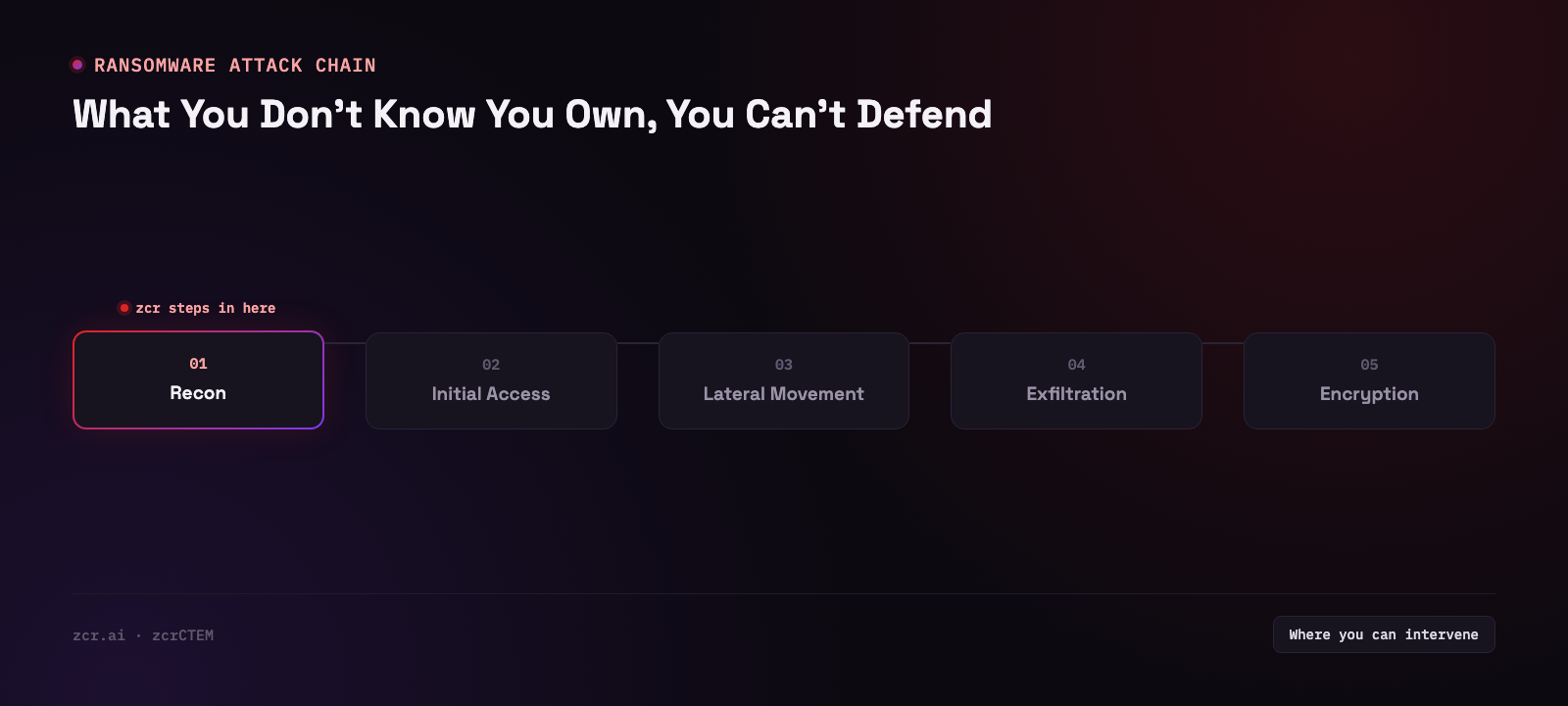
Ransomware doesn't land on the machine you defended best
Conversations about ransomware defense tend to jump straight to tooling — EDR, SIEM, backups, MFA — and then to which one is better. The question that belongs before that one: what percentage of your estate do those tools actually cover, and how do you know the number?
The routes attackers take in are mostly unglamorous. RDP left open to the internet. A VPN appliance that never got patched. An old web app nobody remembered to turn off. Same patterns, year after year. What they have in common isn't a particular CVE — it's that nobody considered those machines theirs.
A machine with no owner doesn't get patched, doesn't get an agent installed, and when it starts behaving strangely there's no log for the SIEM to look at. Not because the SIEM is weak, but because nobody ever plumbed that host into it in the first place. (We covered that plumbing in detail in how to forward EDR logs into a SIEM.)
CAASM and EASM are two different jobs
The two get used interchangeably, but they look from opposite directions.
EASM looks in from the outside — scanning for whatever of yours is exposed on the internet: which domains, which IPs, which ports are open without your knowledge. (We wrote that one up here.)
CAASM looks out from the inside — pulling data already scattered across systems you own into a single register, then answering: who owns this host, which controls are actually on it, and which controls should be on it but aren't.
The second job is the harder one. "Complete" in CAASM terms doesn't mean counting hosts correctly; it means knowing what each one is missing. That's the part the CAASM side of zcrCTEM is built for.
What it actually looks like
zcrCTEM's CAASM side spreads across three pages. The demo runs on sample data, so none of its rows or counts are quoted here; what matters is what each page holds.
The Assets inventory, subtitled "CAASM canonical inventory for tenant scope," opens with three headline tiles: total assets, coverage gaps (assets with at least one control confirmed missing) and critical risk (assets whose coverage risk score is at or above a set threshold). Below them is a table you can filter by class, source, coverage and gap. Each row is one asset: its identifier, its class and the tools that reported it, the state of three controls (posture, vulnerability scan and EDR agent), a risk grade and score, a status such as stale, when it was last seen, and an action to assign it a tier.
The control column is the whole point. A control reads PRESENT, MISSING, UNKNOWN or N/A, and they are not the same thing: MISSING means it's confirmed absent, while UNKNOWN means no source can confirm either way. Confirmed-missing and can't-confirm are different problems, and the console keeps them apart instead of collapsing both into "covered."
The Coverage & Gaps page rolls the same data up. For EDR, vulnerability scan and cloud posture it shows how many assets are present, missing, unknown or not applicable, and it lists every identified gap with the missing control, the owner, when the asset was last seen and whether a ticket exists.
The Sync Health page is the honesty check. It lists every source by category (EASM, dark web, CAASM) with a status of connected, degraded or disconnected, stale, or not configured, and it marks a not-configured source as never run rather than failed. A connector that was never set up says so directly instead of reporting a clean bill of health, and when a source disconnects, degrades or stops reporting, zcrCTEM warns that your risk picture may have a blind spot. That matters more than it sounds. An inventory that's quietly wrong is far more dangerous than one that admits it isn't finished yet.
Read two rows slowly. These two are hypothetical, invented for illustration and not taken from the demo.
An API host you've tiered alongside the company's primary domain was seen only minutes ago, so it's plainly in service. Its EDR agent reads MISSING and its vulnerability scan and posture both read UNKNOWN: not one control is confirmed in place.
A host with "legacy" in its name was last seen two days ago, and all three controls read UNKNOWN. The name announces that it's old. It was also still answering two days ago. That's the same kind of machine as the one from the top of this article.
The states in those two rows are made up, and yours will look nothing like them. The point is the question the table forces you to answer: for the assets you rated most important, do you have evidence they're protected, or have you been assuming it?
For where CAASM fits in the larger picture, read what CTEM is.
Signs this is about your organization
- You can't say off the top of your head how many internet-reachable servers you have right now
- The primary asset register is a spreadsheet last touched more than six months ago
- You have EDR, but can't state what percentage of hosts it's actually installed on
- You've found a machine nobody could claim, and left it running because turning it off might break something
- Another team stood up something in the cloud that security has never seen
If more than two of those land, buying another protective tool isn't the highest-value next move. The new tool gets deployed onto the same hosts you already know about. The ones you don't know about stay exactly as unknown as they were.
What asset inventory can't do — plainly
Be clear on this: CAASM does not stop ransomware.
It doesn't detect file encryption. It doesn't kill processes. It doesn't isolate a host. It has nothing to do with your backups. What it does is tell you what you have and where controls are missing — work that belongs before the incident, not during it.
Detection once the encryption starts is a different layer entirely, and we wrote it up separately in detecting ransomware with SIEM.
To be fair about it: if your organization runs a CMDB that a team genuinely maintains and keeps current, you may not need a separate CAASM tool at all. The problem is that many CMDBs are filled in once at build time and never touched again.
Where to start
Start with one question. If someone asked you today how many internet-reachable assets your organization has, how many minutes would it take to answer — and what would you be answering from?
If the honest answer is "I'd have to ask a few teams first," that's the gap to close before anything else. Have a look at zcrCTEM plans.
Get in touch
Want to know how many unowned assets are sitting in your environment? Talk to our team — the consultation is free.